 Windows × Android
Your PC. In your hands.
Watch your Windows screen, move the pointer and switch between control modes from your Android phone.
Google Play closed testing
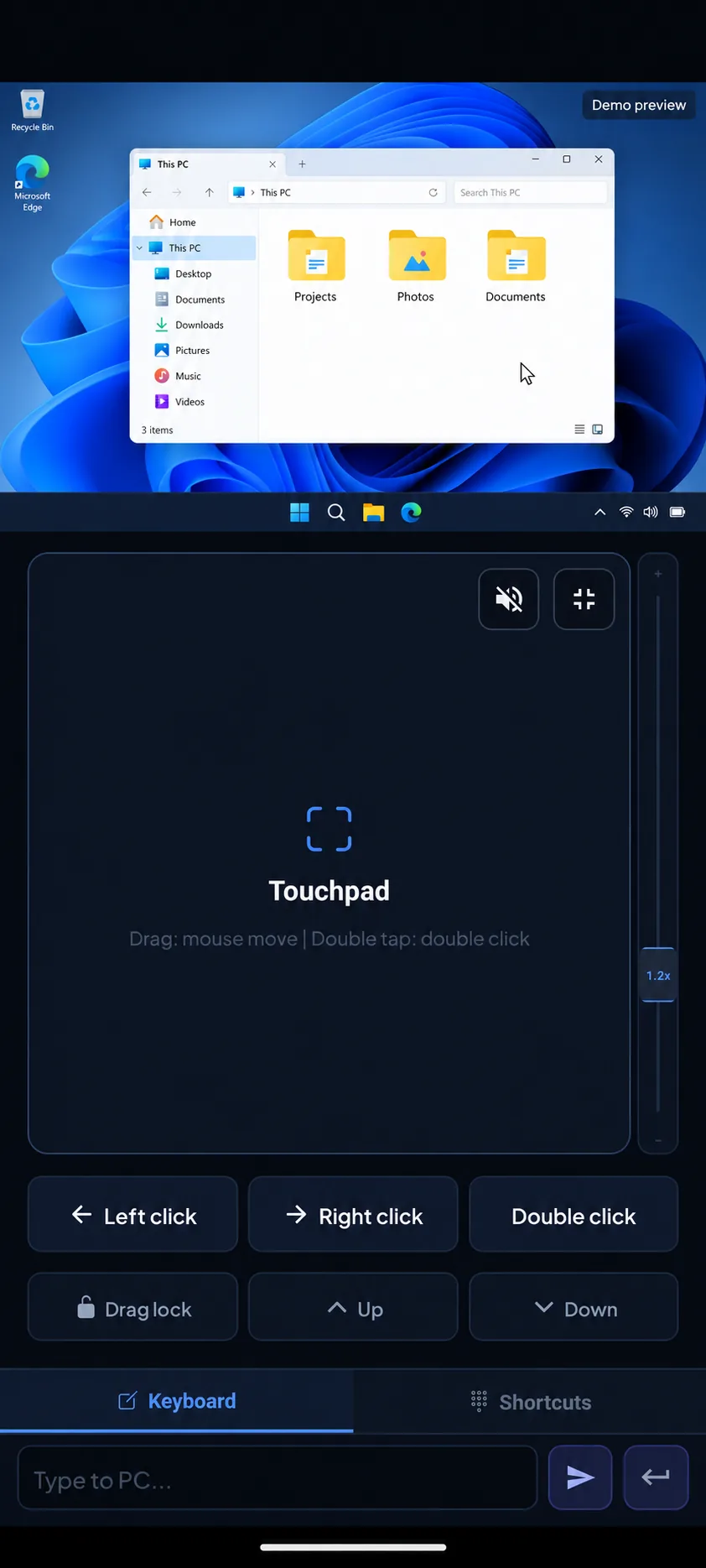 Your touch moves the desktop.Illustrated control demo
Beyond the screen
Your phone.
A new way to control.
Control media from the sofa, switch windows during a presentation or use your phone as a game controller.
At a glance
Four screens.
One workflow.
Explore the controls
Control for
every task.
Choose a mode to explore its interface. Screens show sample data.
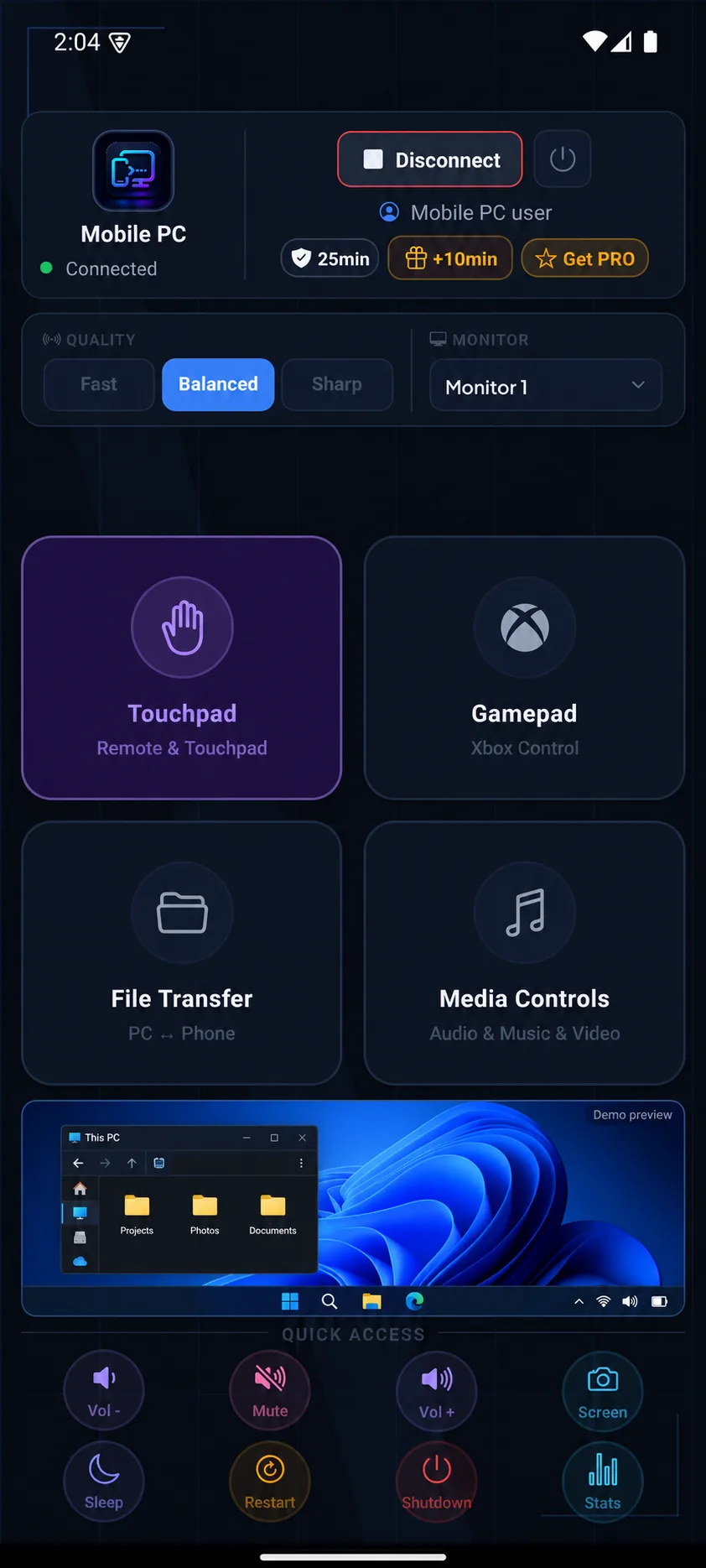
Enlarge image ↗Main panel
Manage your connection, display quality and monitors.
Illustrated control demoEnlarge image ↗Touchpad
Move the pointer, scroll, type and use shortcuts.
Illustrated control demoEnlarge image ↗Gamepad
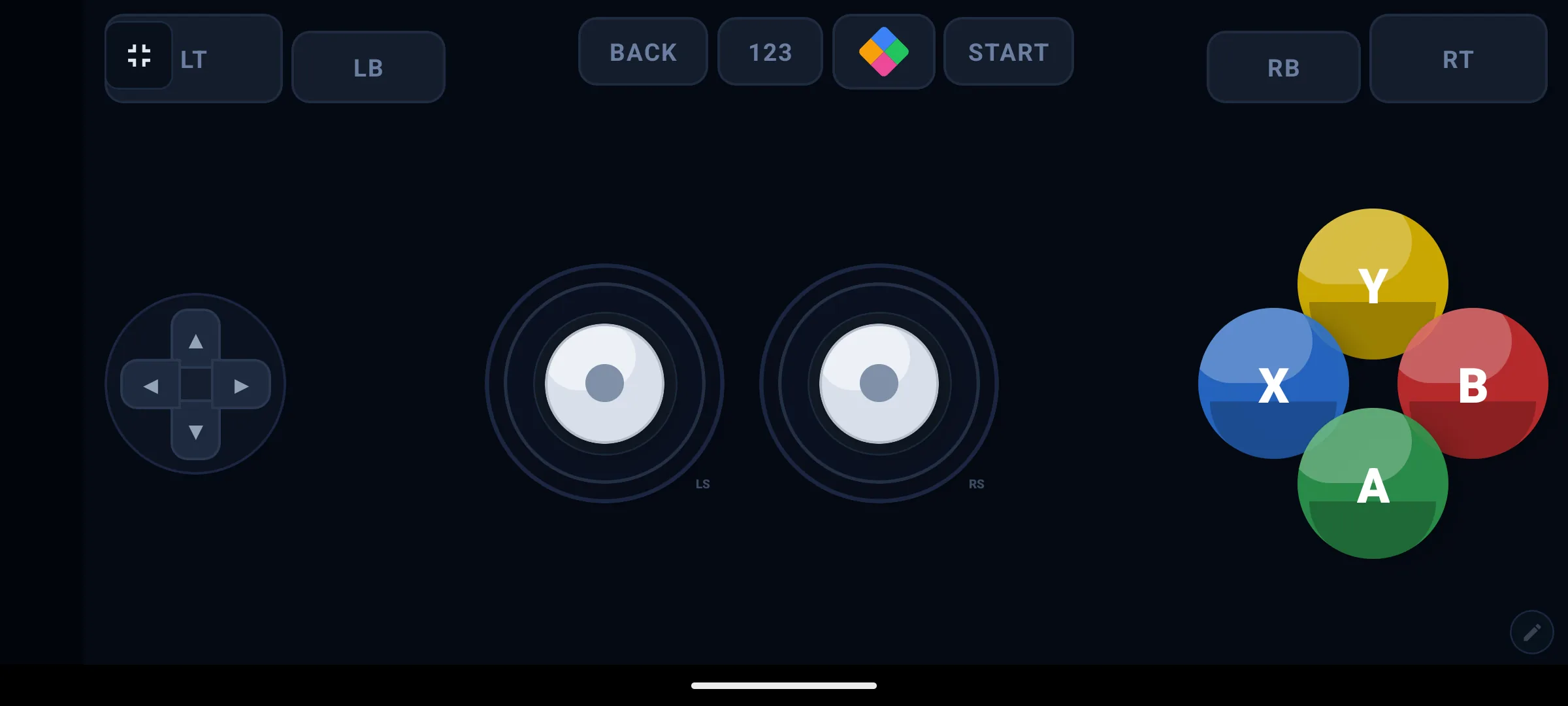
Use an Xbox-style layout with sticks, triggers and buttons. Compatibility varies by game.
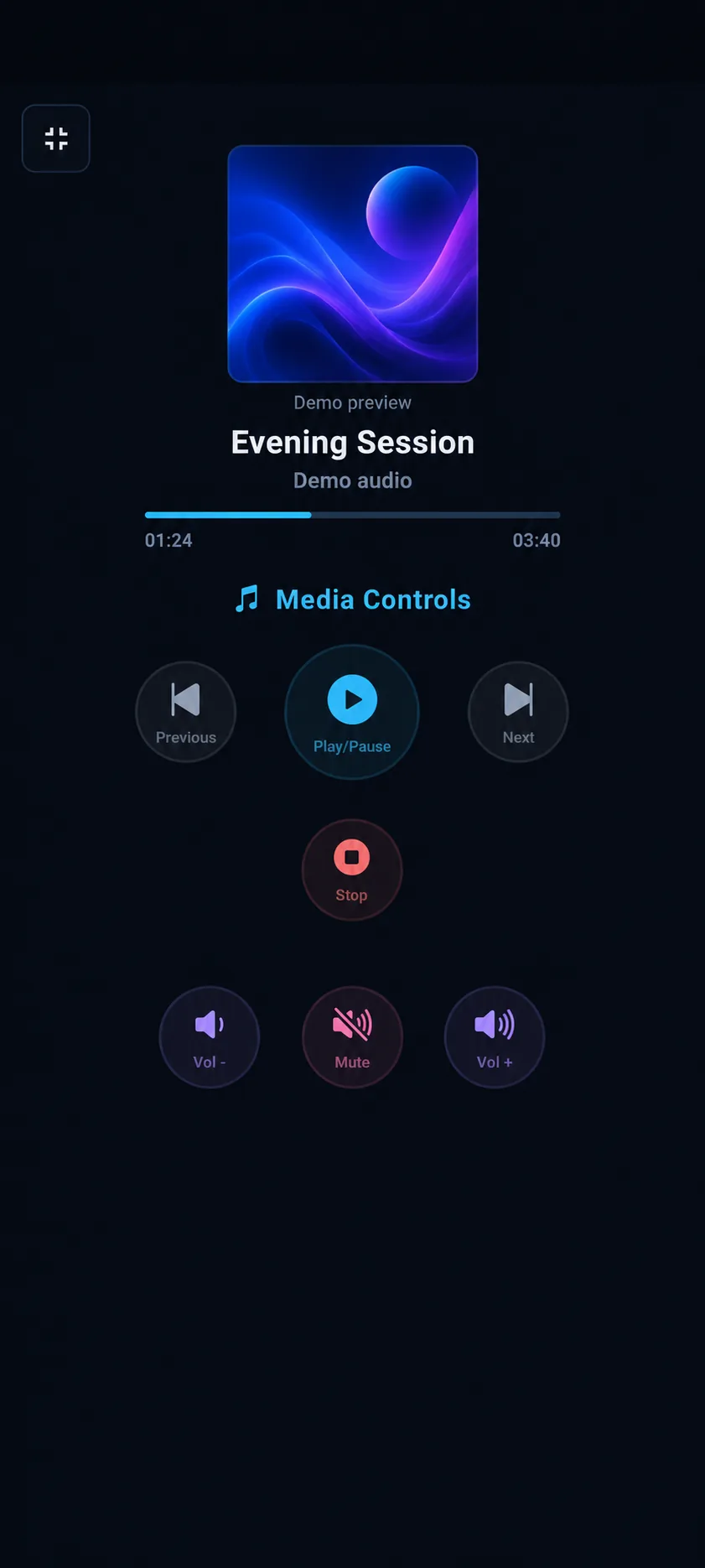
Enlarge image ↗Media
Play, pause, skip tracks and adjust volume.
Illustrated control demoEnlarge image ↗System
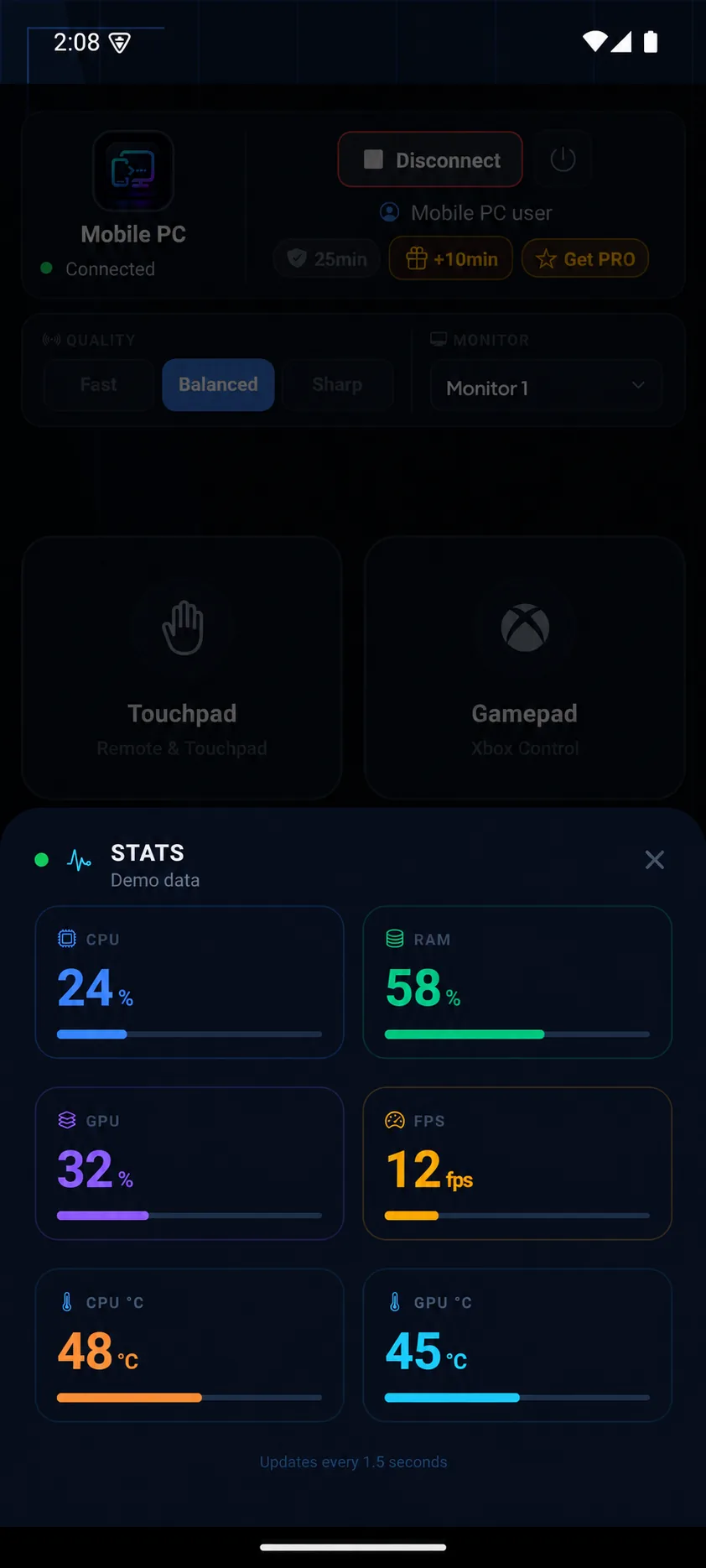
Check CPU and RAM. GPU and temperature readings depend on your hardware.
Illustrated control demoLive screen
View the Windows desktop in full screen or landscape.
Touchpad
Move, click, scroll and drag from your phone.
Keyboard shortcuts
Type and use shortcuts such as Ctrl+C, Ctrl+V and Alt+Tab.
Two-way clipboard
Copy text between your phone and PC.
Multiple monitors
Switch displays and choose a quality preset.
Game controls
Use Arcade/Battle layouts and a virtual Xbox controller. Windows requires ViGEmBus for the virtual controller. Compatibility varies by game.
File transfer
Send and receive files between your phone and PC.
Media remote
Control playback, tracks and volume.
System monitor
View CPU and RAM. GPU and temperature readings depend on hardware and drivers.
From setup to control.
In three steps.
Install the Windows Agent
Run the Agent on your Windows PC.
Join the same Wi-Fi
Connect both devices to the same network and select your PC.
Take control
Open the live screen or choose a control mode.
Same Wi-Fi.
Control from your phone.
Connect your phone and Windows PC to the same Wi-Fi to watch the screen and control your computer.
- Pairing
- Find your PC automatically and pair using a PIN or token.
- Browser access
- You can also use the web client in your phone’s browser.
This connection runs on your local network.
Install Mobile PC.
Install the Agent on Windows and the app on Android.
The Android app is currently in testing.